 |

Overview
How to subscribe users to a process
- Purpose: Subscribing others to processes within RDrive using the desktop/browser
- Who It’s For: General users
Prerequisites: Able to read and share the item, If you want to view/edit the subscriber list you will need a "Share" permission to view the subscriber list.
Subscribing provides notifications. If you have read access, you can subscribe yourself to receive notifications.
When subscribing, a user will simultaneously become a participant, meaning they will always be able to 1. read and 2. receive notification when there is a status change whatever process/checklist they are subscribing to.
If you want to view/edit the subscriber list you will need a "Share" permission to view the subscriber list.
via Plan Viewer
Press the Menu icon ≡ in the top left corner of your screen to unfold the Menu and access the Plan viewer.
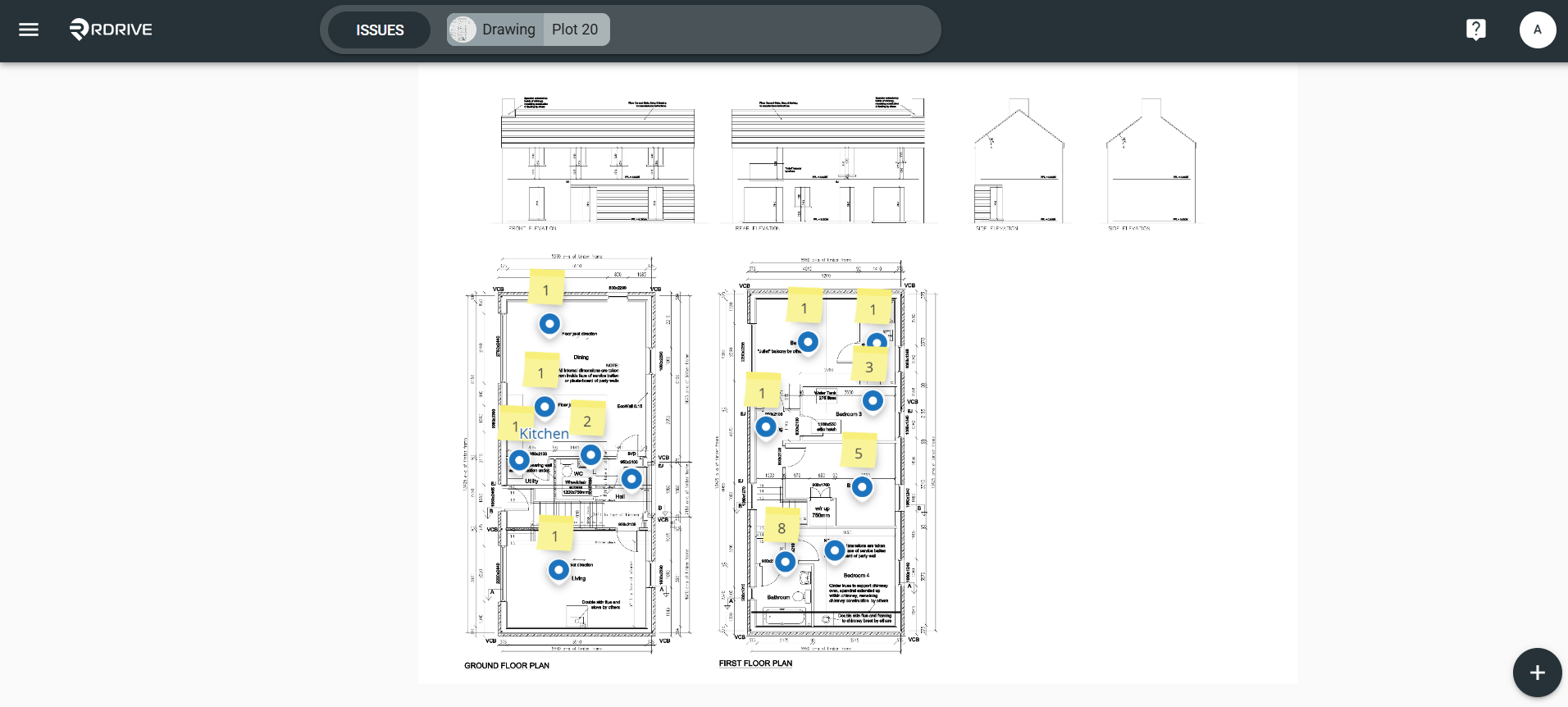
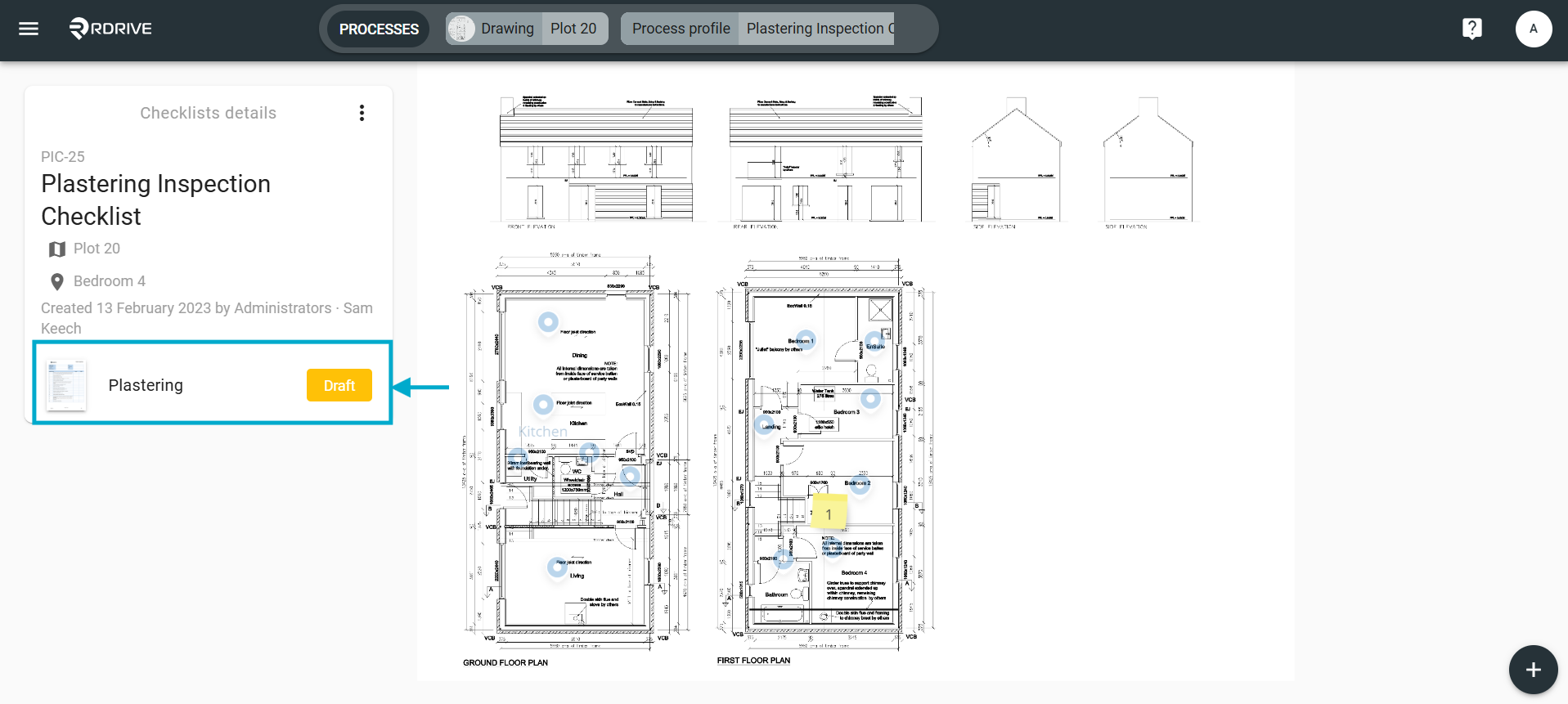
Press the "location based item" circled above to unfold the process/checklist details box on the left-hand side of your screen. then simply select a form and the form viewer will be opened.
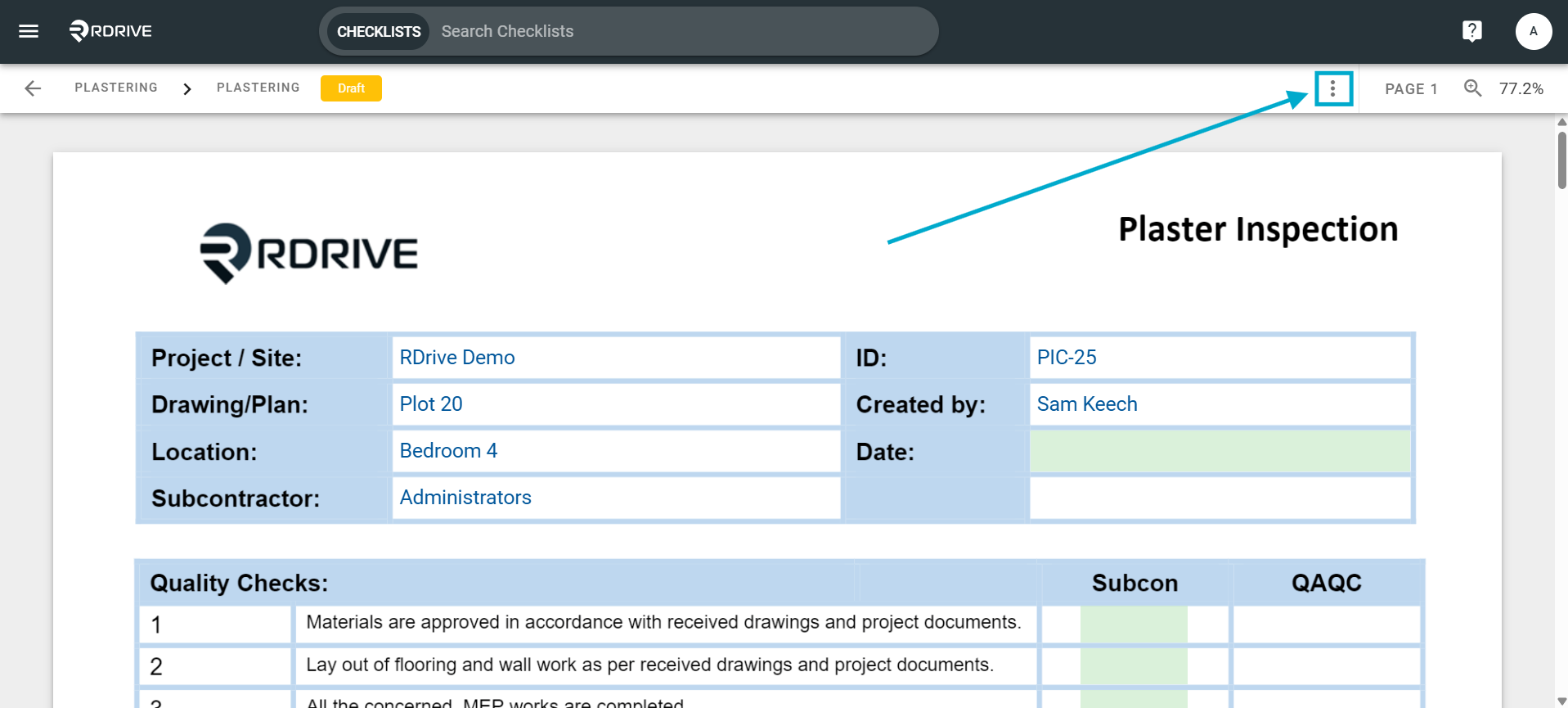
Click the dropdown menu circled below.
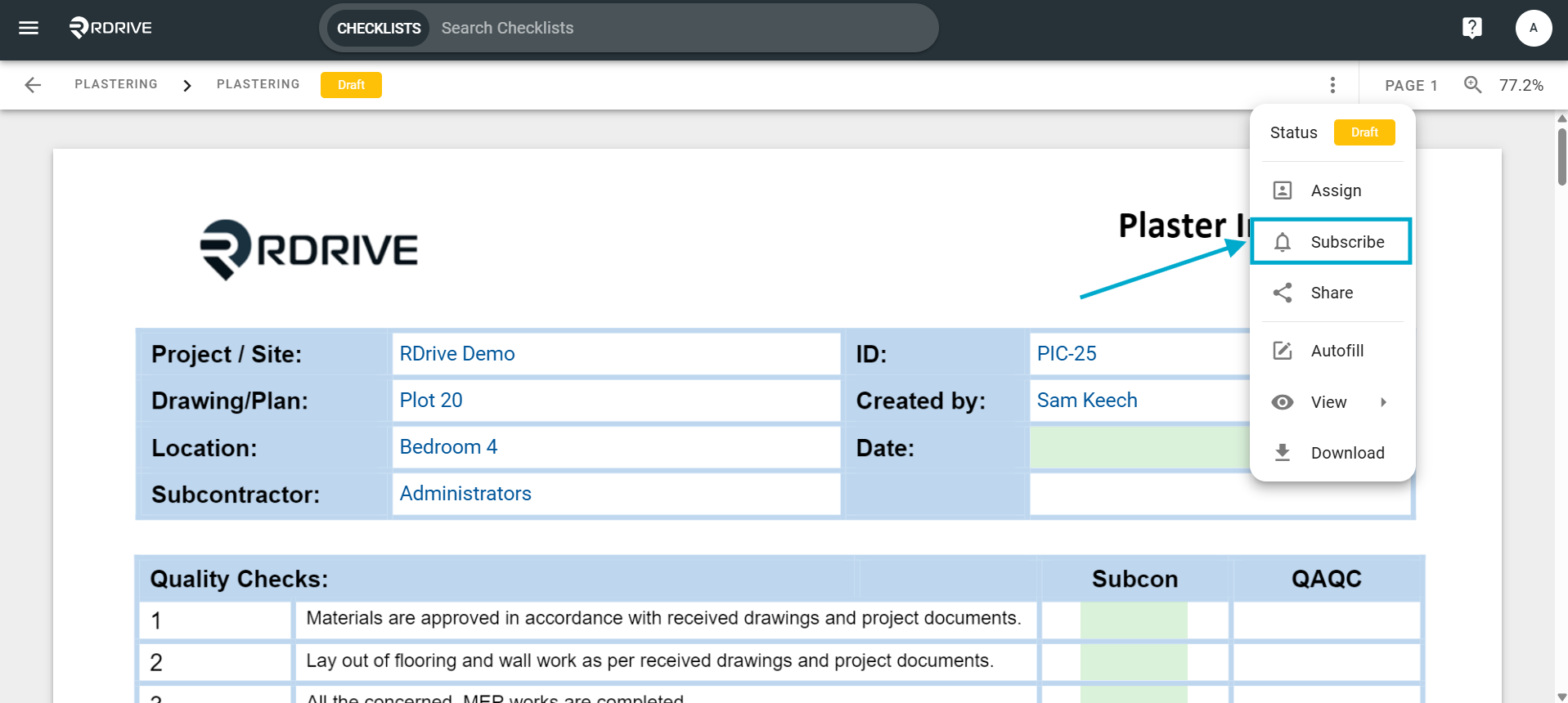
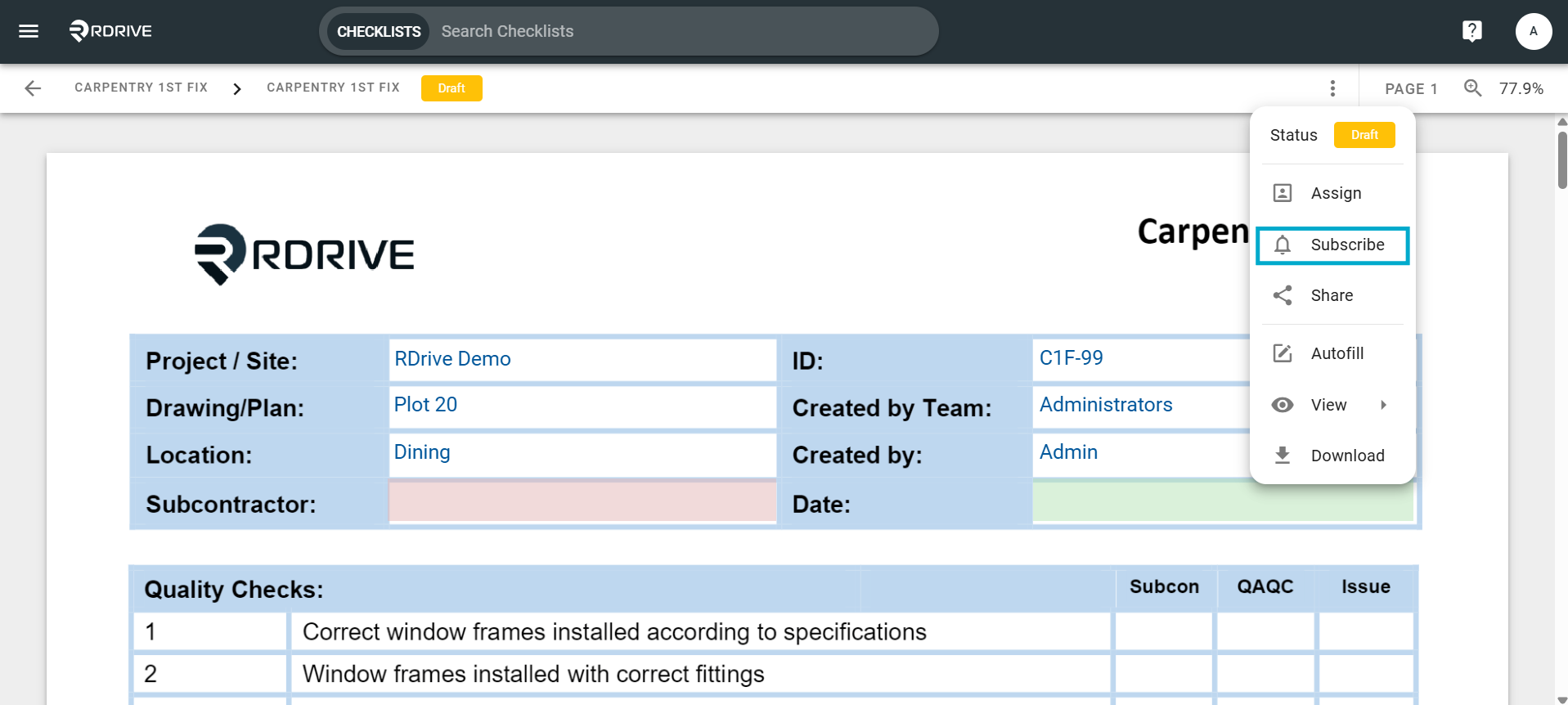
Once pressed, select "Subscribe" from the unfolded menu options.
Here you can add/remove user(s) from the subscriber list.
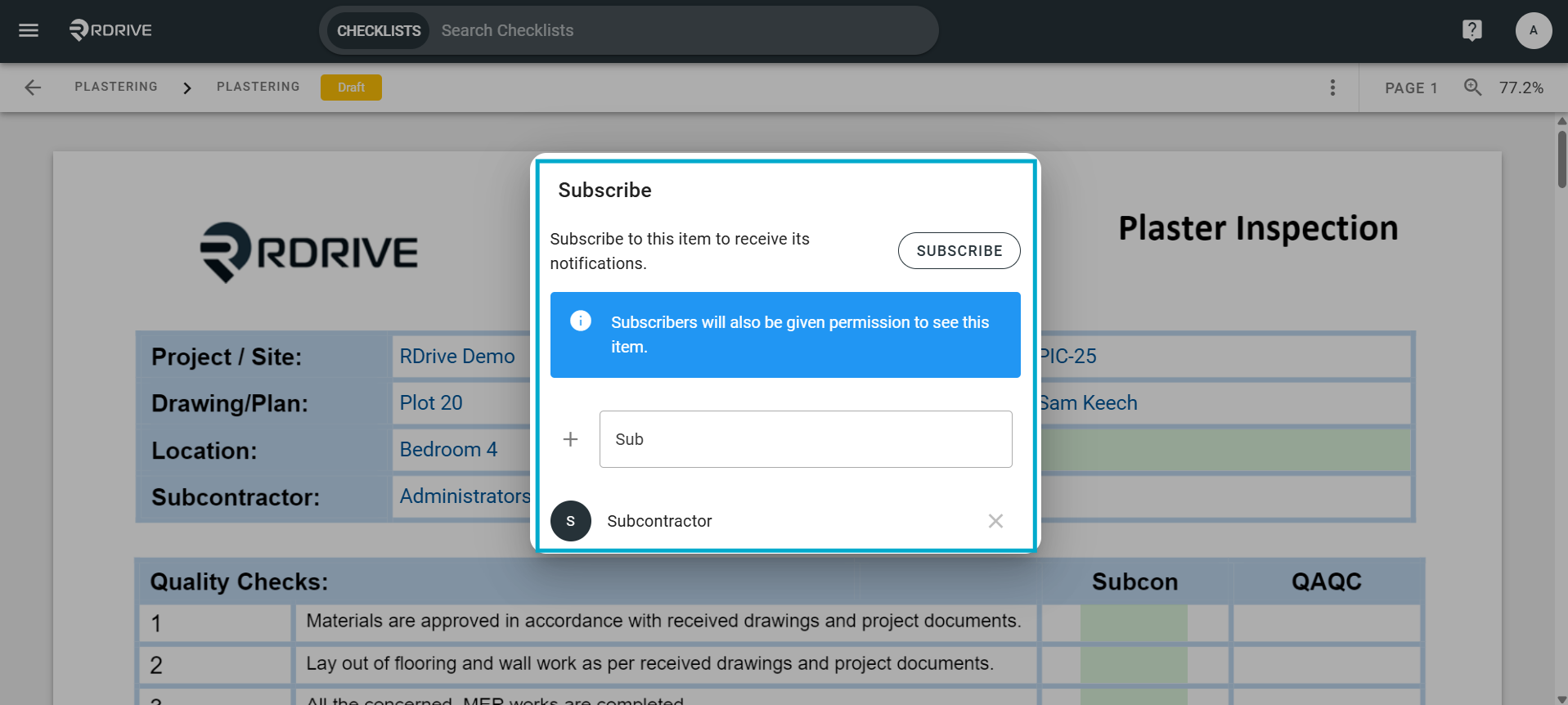
All finished? Simply press outside of the subscribe dialogue window to complete.
via Process Finder
Select a form from the list on the right-hand side of your screen. Once chosen, you can press the Menu icon ≡ on the right-hand side of your screen as Highlighted below.
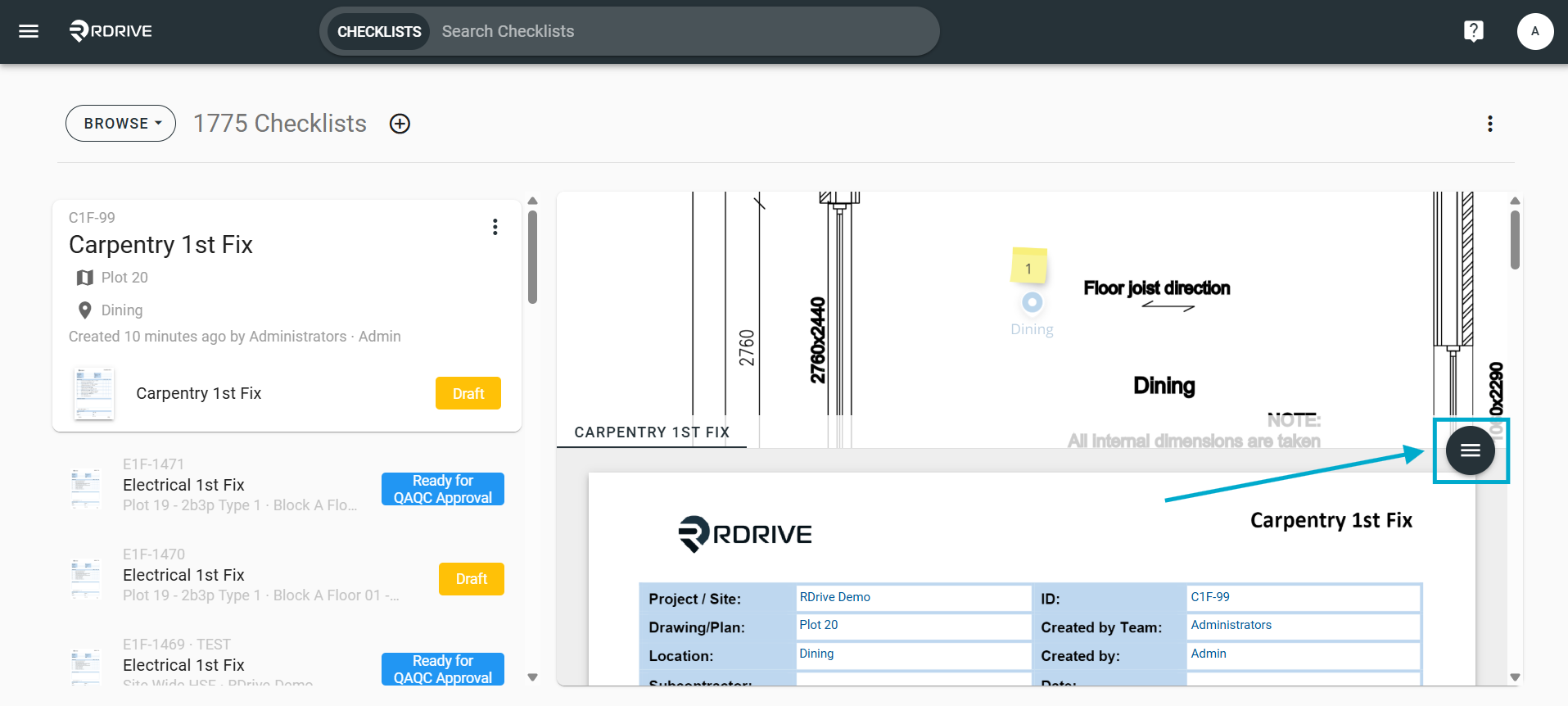
Then select "Edit" to access the form viewer as shown below or "Subscribe".
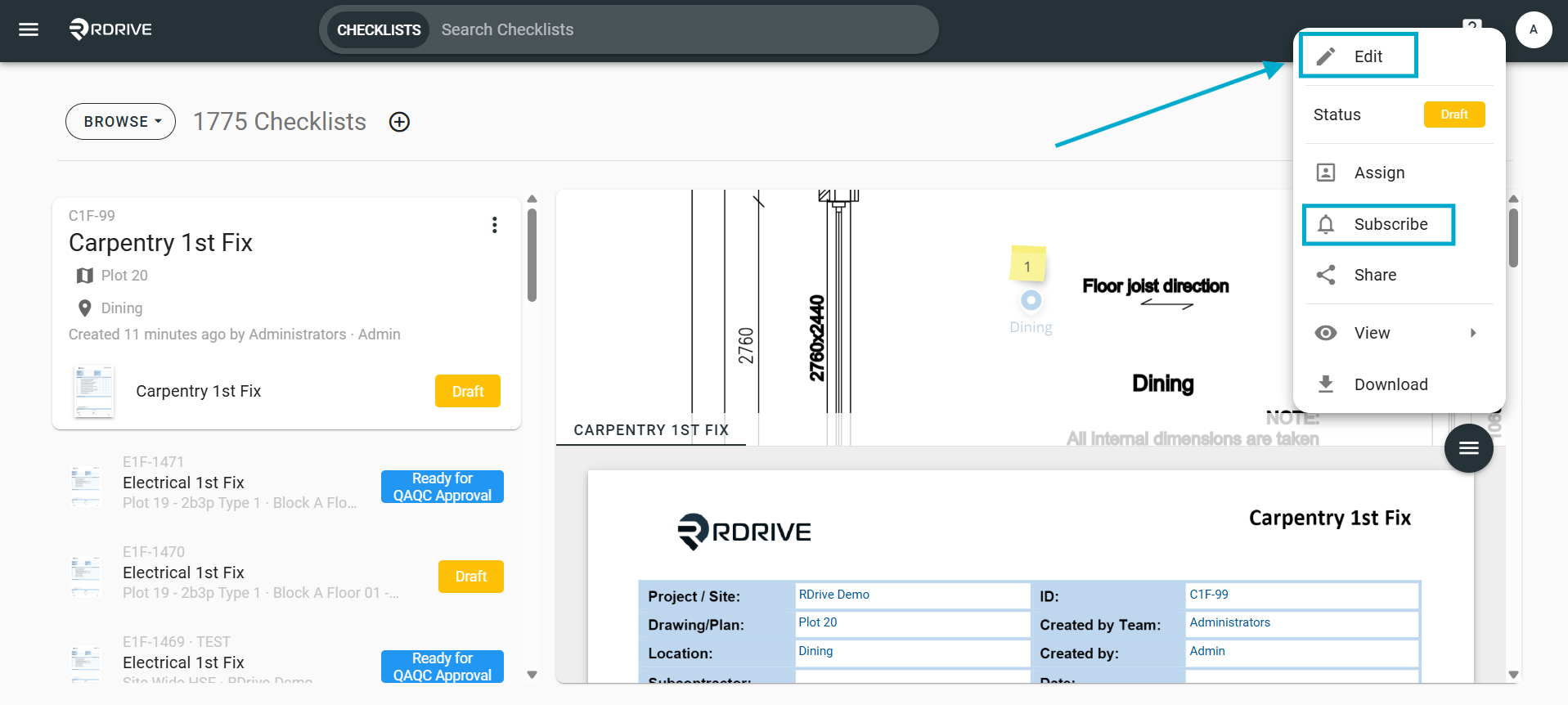
Click the dropdown menu circled below.
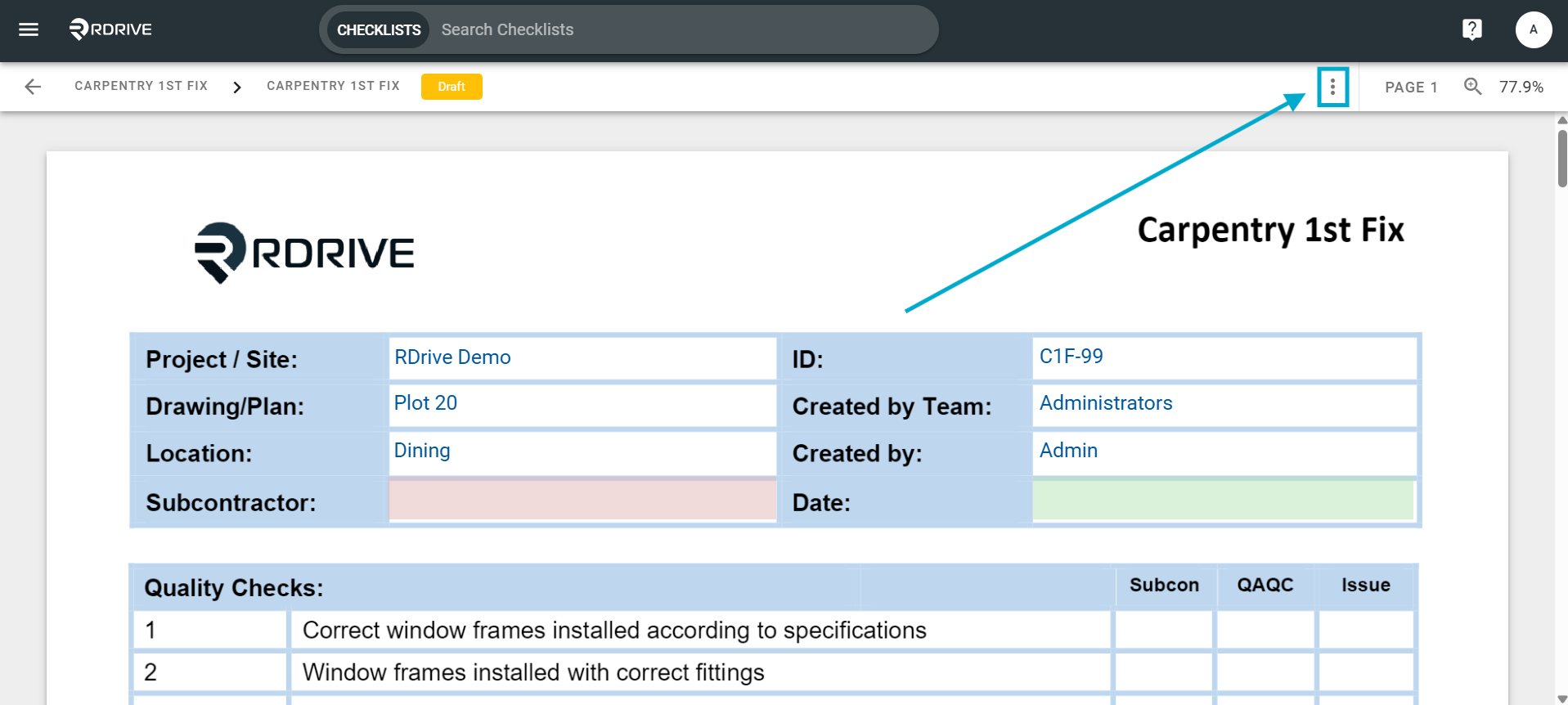
Once pressed, select "Subscribe" from the unfolded menu options.
Here you can add/remove user(s) from the subscriber list.
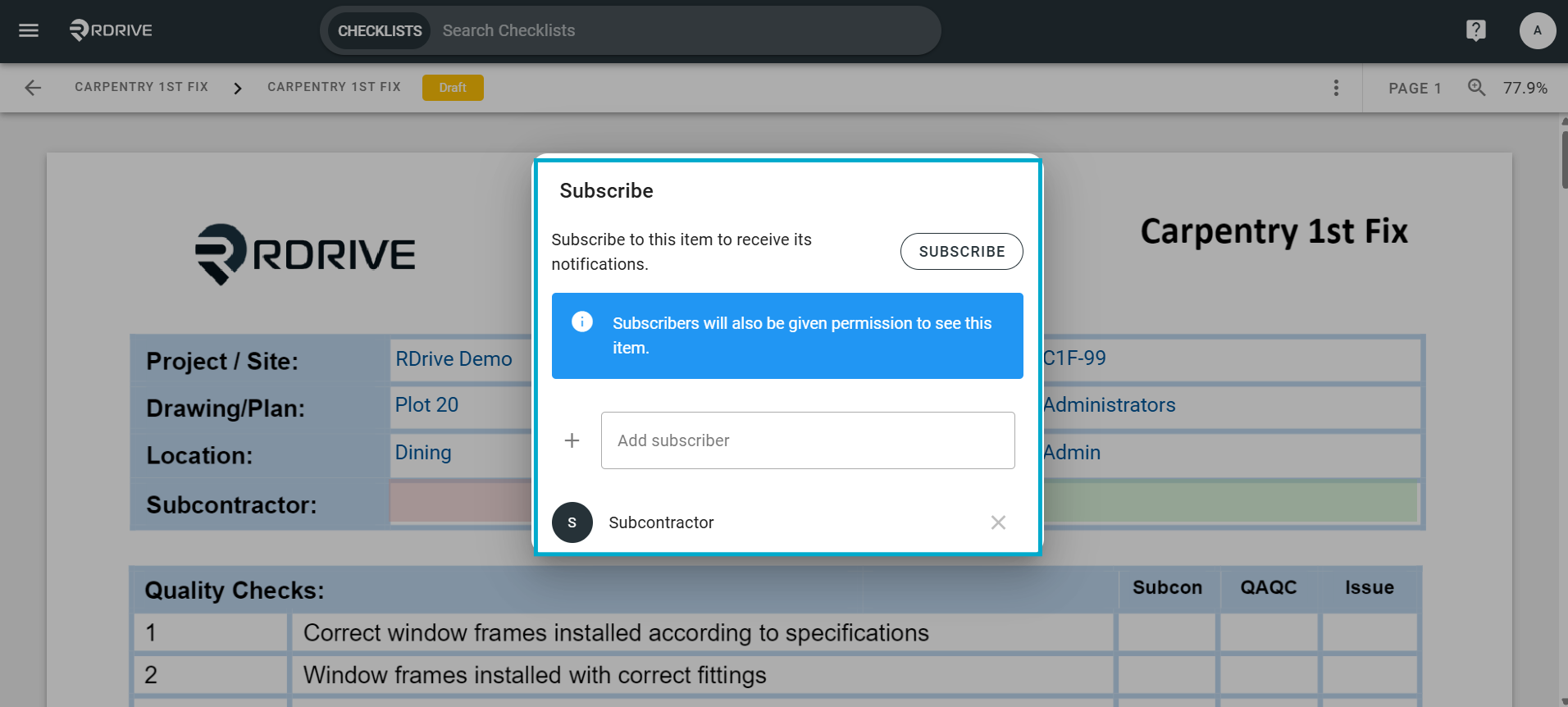
All finished? Simply press outside of the subscribe dialogue window to complete.
Was this article helpful?
That’s Great!
Thank you for your feedback
Sorry! We couldn't be helpful
Thank you for your feedback
Feedback sent
We appreciate your effort and will try to fix the article